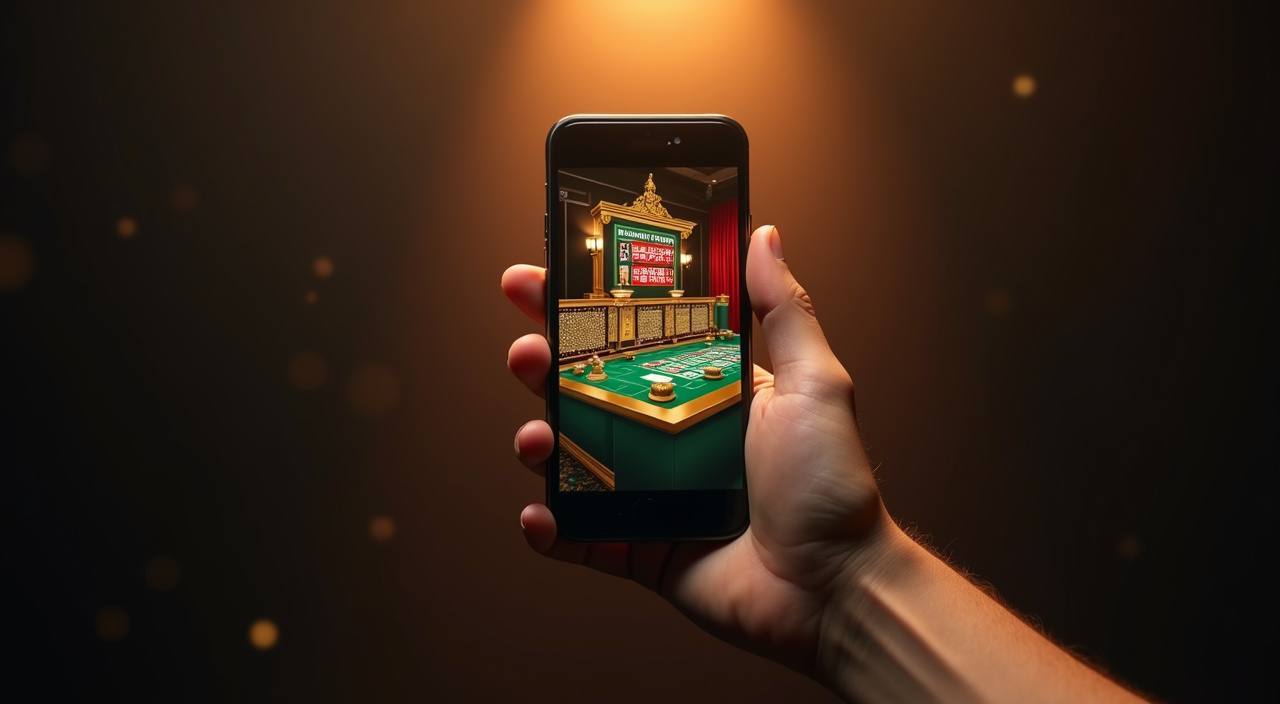
The mahkam4d mobile experience runs directly through your browser — open the current domain on any Android or iOS device and your full account, including the sportsbook, live casino tables, and slot lobbies, loads without a separate install.
The mahkam4d mobile interface is built to respond to the screen size your device reports, so the layout adjusts whether you open it on a compact Android handset or a larger tablet display. No specific OS version is required on our end — what matters is that your browser can render modern web pages.
Android Browser Access
Open mahkam4d in Chrome on Android. The layout reflows to a single-column navigation with the sportsbook, casino, and account menu accessible from the bottom tab row. No file installation needed — the page loads like any other site you visit.
iOS Safari Access
Safari on iPhone and iPad loads the full lobby, including live casino tables and slot rooms. Scroll performance and tap targets are tuned for touch. If you add the site to your home screen via Safari's share menu, it opens directly without showing the browser address bar.
Account Login Requirement
All game categories — including the sportsbook odds board and Crash Skyrise Arena — require a logged-in account. Open the login page, enter your registered email and password, and the authenticated lobby loads with your wallet balance and game history visible.
Screen Layout Behavior
The lobby-discovery layout places the sports section at the top of the page on mobile, followed by the casino category rail. Game cards resize to fit the viewport. The wallet chip row showing your OVO or Bank Transfer balance stays pinned at the top of the account view.
Checking Supported Configurations
The published device guidance is available inside your account dashboard after login under the help section. That page reflects the current state of tested browsers and any known display issues — it is updated when the site configuration changes.
HELP FOR MOBILE USERS
App and Browser Support Paths
When something doesn't load as expected on mobile — a page not responding to your tap, a login screen that won't proceed, or a wallet balance that isn't reflecting your last OVO transfer — our support team can walk through the specific step. Reach us through the channels below. All three paths connect to the same Indonesia support queue, so the same team handles browser access questions and account wallet issues.
Live Chat Support
The live chat icon sits at the bottom-right of every page including on mobile. Tap it while you are on the page where the issue appears — the agent can sometimes see the session state, which speeds up diagnosis for login or wallet display problems.
Email Support
For non-urgent account questions — such as verifying that a browser configuration is supported, or asking about the steps to recover account access — email is the right route. Find the current support address on the contact page inside your account dashboard.
In-App Help Pages
The help section accessible after login covers the most common mobile access questions: how to add the site to your home screen, what to do if a game room doesn't open, and the steps for wallet verification on OVO and Bank Transfer. Check there first before contacting support.
SAFE ACCESS CHECKS
Verify Your Mobile Access is Secure
Accessing your account from a mobile browser carries the same security responsibilities as desktop — your credentials protect your wallet and your game history. Before you log in on a new device or network, run through the four checks below. These aren't generic advice; they reflect the specific access pattern for mahkam4d where your OVO or Bank Transfer balance is tied to a single account and a single verified login.
Confirm the Domain
Always reach the site at mahkam4d. Bookmark this address directly from your browser after your first successful login. If a link from a message or a search result points to a different domain, do not log in — verify the address bar first.
Review Published Device Guidance
The device support page inside your account dashboard shows the current list of tested browsers and any known compatibility notes. Checking it after a mahkam4d update is worthwhile — browser behavior can change when the site configuration is updated.
Protect Your Account Credentials
Your login password and any OTP sent to your registered number are for your use only. Our support team will never ask for your full password in a chat or email. If you receive a message requesting it, report it through the live chat channel immediately.
Use the Published Recovery Path
If you lose access to your account — forgotten password or a device change — use the account recovery form on the login page. This is the only verified path we support. Do not share your account with a third party to recover it; the form is the correct and secure route.
LOBBY NAVIGATION MOBILE
What the mahkam4d Mobile Interface Covers
Opening mahkam4d on your phone delivers the same account you use on desktop — the sportsbook section showing current football markets including Liga 1 and European fixtures, the casino category with slots from Pragmatic Play and JDB, and live dealer tables all appear in the mobile layout.
PAGE BEHAVIOUR FEATURES
Mobile Web Features You Can Use Now
The responsive design of the mahkam4d mobile page goes beyond resizing — it adjusts the information density, card layout, and tap target sizes based on the viewport. Below are the four rendered-page behaviors that affect how you use the site on a phone or tablet, based on what the current site delivers.
Responsive Game Cards
Game cards in the slot and live casino sections resize to fit two columns on a standard phone screen. Titles like Majapahit Empire Reels and Fishing War Mobile Play display their cover images and category label clearly at this size. Tapping opens the game room in the same browser tab.
Account Wallet View
Your wallet balance — whether funded via OVO or Bank Transfer — is displayed at the top of the account section in the mobile layout. The last transaction and current available balance are visible without scrolling. Tap the wallet row to reach the deposit and withdrawal screens.
Sports Market Navigation
The sportsbook section on mobile loads the current match list in a condensed format — league name, match time, and available market count per fixture. The Sportsbook Odds Board for today's active matches is reachable in two taps from the home screen: tap Sports, then the fixture you want.
Home Screen Shortcut
Using your browser's 'Add to Home Screen' option creates a shortcut on your phone's home screen that opens mahkam4d directly. On Safari this removes the browser chrome for a cleaner view; on Chrome it opens in a standalone window. The account session persists between opens if your browser allows cookies from the site.
THREE STEPS TO ACCESS
Mobile Access in 3 Steps
Getting into your mahkam4d account on mobile takes three steps and no file downloads. The process works the same way on Android or iOS — you're using the browser that's already on your phone. If you hit any step where the page doesn't respond as described, the in-app help section and live chat are both reachable from the same browser session so you don
Open the Current Site
Type mahkam4d directly into your browser address bar, or use a bookmark you created from a previous session. Do not search for the site through a third-party search result and follow a link without checking the domain — verify it reads mahkam4d before you continue.
Check Your Browser Loads the Full Page
The login screen should appear within a few seconds on a standard mobile connection. If the page loads partially or shows a layout error, try switching from Wi-Fi to mobile data or clearing your browser cache. The published device guidance inside the help section covers the most common display issues and their fixes.
Sign In to Your Account
Enter your registered email and password on the login screen. After a successful login, the mobile lobby loads with your wallet balance, the sports section at the top, and the casino category rail below it. Your OVO or Bank Transfer wallet shows in the account tab. From here, the full mahkam4d experience is available on your device.
APP FAQ
Common Questions About the mahkam4d App
Below are the questions we hear most from Indonesia users when they first try to access mahkam4d on mobile or encounter something unexpected on their device.
Is there a native mahkam4d app I can download from the Google Play Store or App Store?
A native store listing is not currently offered. Access runs through the browser at mahkam4d on any Android or iOS device. You can add a home screen shortcut via your browser's share menu — on Safari this gives a near-app experience without a store download. Check the account dashboard for any updates to app availability.
Can I access my mahkam4d account on multiple devices at the same time?
Your account is tied to your registered login credentials, not a single device. You can open the site on your phone in the morning and switch to a desktop browser later — the same wallet balance, game history, and account settings are there. For security, log out of shared devices when you're done with your session.
Why does the mahkam4d mobile page look different from the desktop version?
The layout adapts to your screen size. On mobile, navigation moves to a bottom tab row, game cards stack in two columns, and some secondary menu items move into the account section rather than appearing in the top bar. All the same features are available — the layout is reorganized for thumb navigation rather than a mouse. If a section seems missing, check the account menu tab.
How do I deposit using OVO from the mahkam4d mobile browser?
After logging in, tap the account tab and then the wallet row showing your current balance. The deposit screen lists OVO and Bank Transfer as the available options. Select OVO, enter the amount, and follow the steps shown on that screen — the exact fields and verification instructions are displayed there. The current status of your deposit is visible in your transaction history inside the same account section.
What should I do if the mahkam4d mobile page doesn't load correctly?
First clear your browser cache and reload the page. If the issue continues, try a different browser — Chrome and Safari are both tested for mahkam4d. Check that you're on the correct domain. If the page still won't load correctly after these steps, contact support via live chat and describe the device type, browser, and what you see on screen.
Is the mahkam4d mobile experience available for all users in Indonesia?
Access to mahkam4d depends on local law and is available where local law permits. If the site is accessible from your location, the mobile browser experience works the same as described here. Users in regions where access is restricted may find the site unavailable. For questions about regional access, the support team can provide the current status.
 App / Live